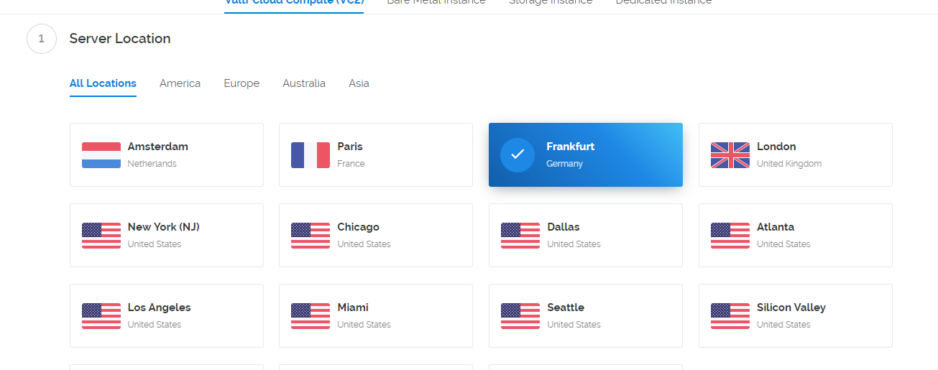
After you have registered at vultr.com and successfully logged in. Click on Deploy New Server.
Then you have to select the location of your server. In this example I choose: Frankfurt

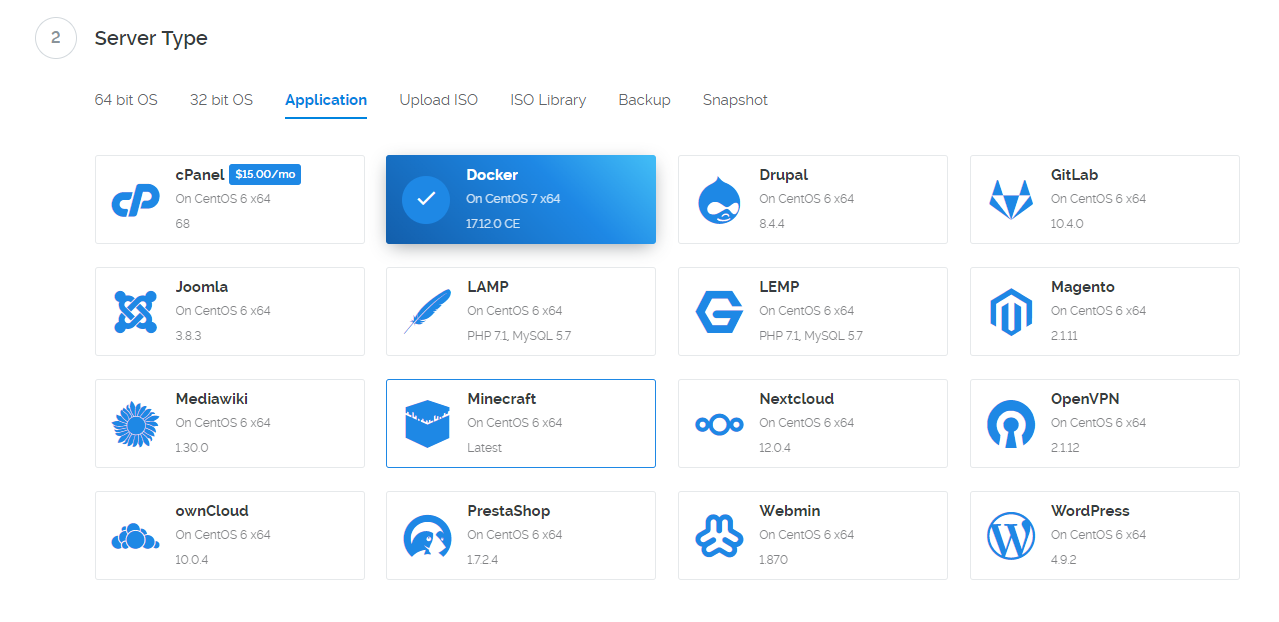
Select Server Type: Application -> Docker -> Cent OS 7
The 5$ variant is quite sufficient

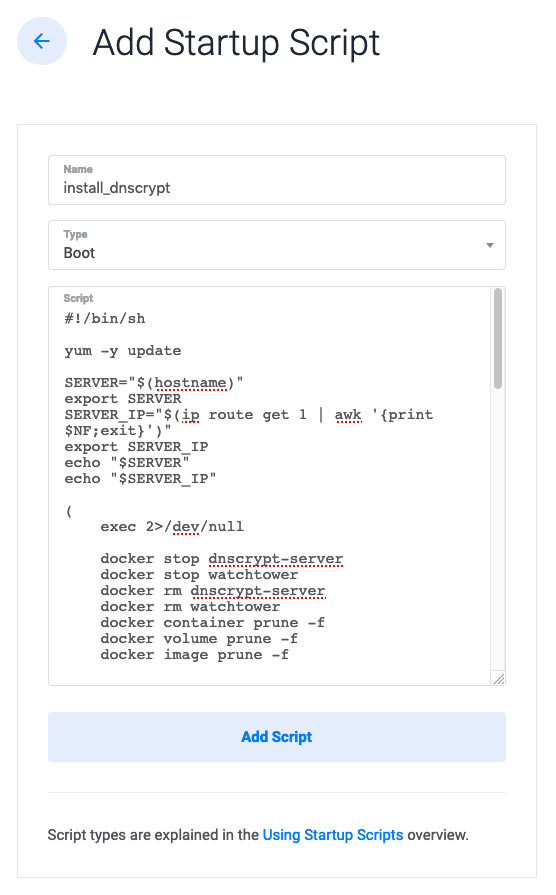
Download and copy the following startscript (type Boot): dnscrypt_install.sh

Choose a server name and click on Deploy Now
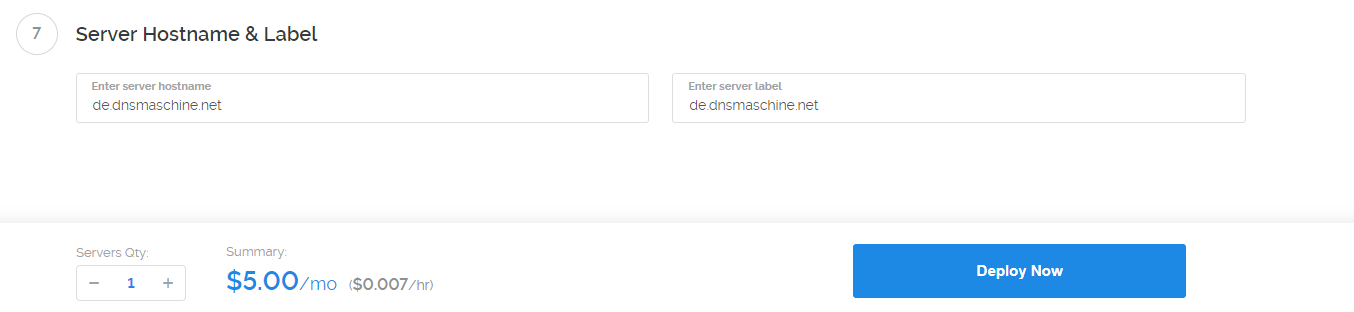
Note: This name will automatically be the name of your resolver
The server will restart after a few minutes. Go have a cup of coffee and wait 5 – 10 minutes!
Log in via SSH (the IP address can be found in the vultr. com web interface).

You can find your stamp (and all other keys) here: cat /root/keys/provider-info.txt

要发表评论,您必须先登录。